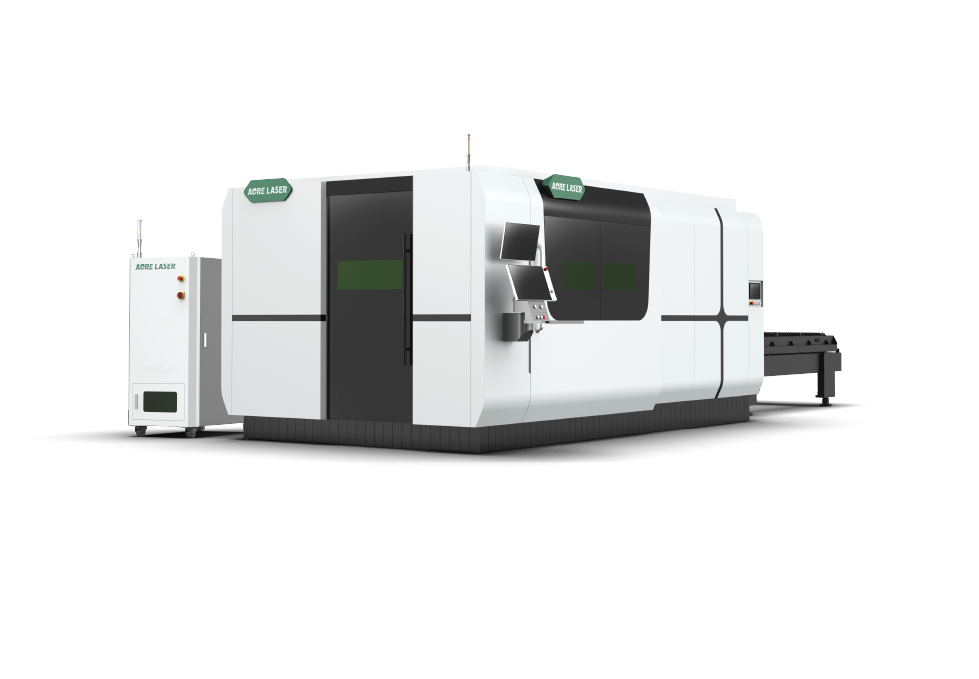
3-12kW
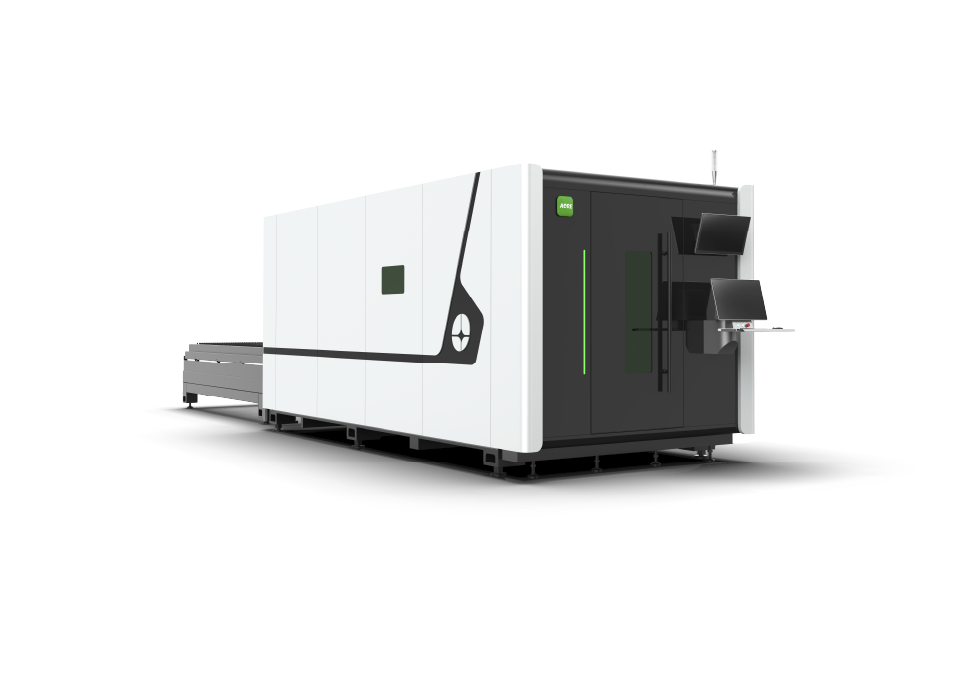
12-40kW
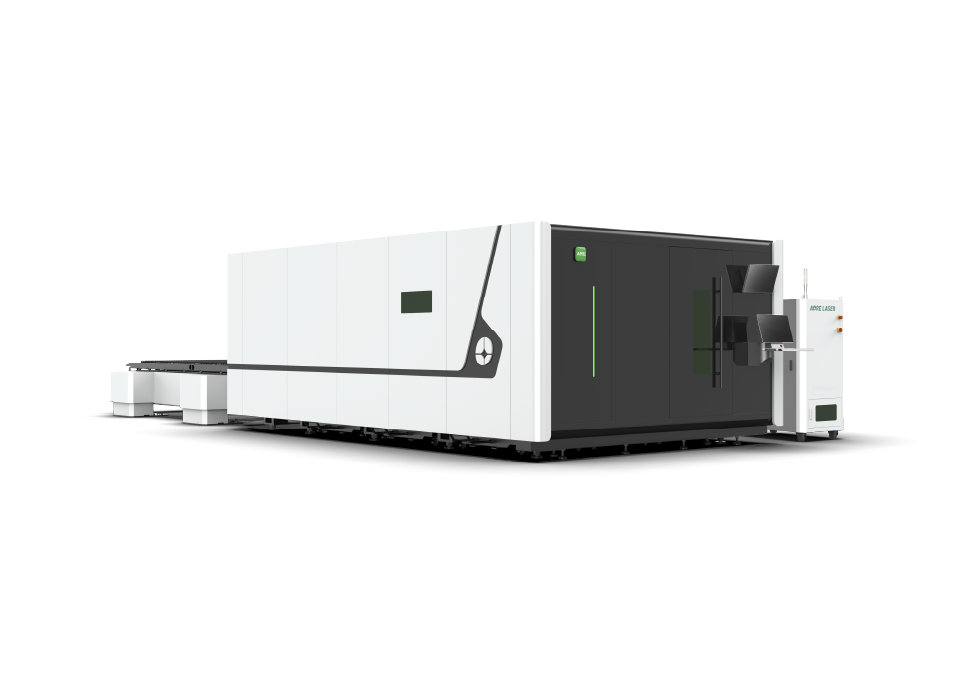
1.5-20kW
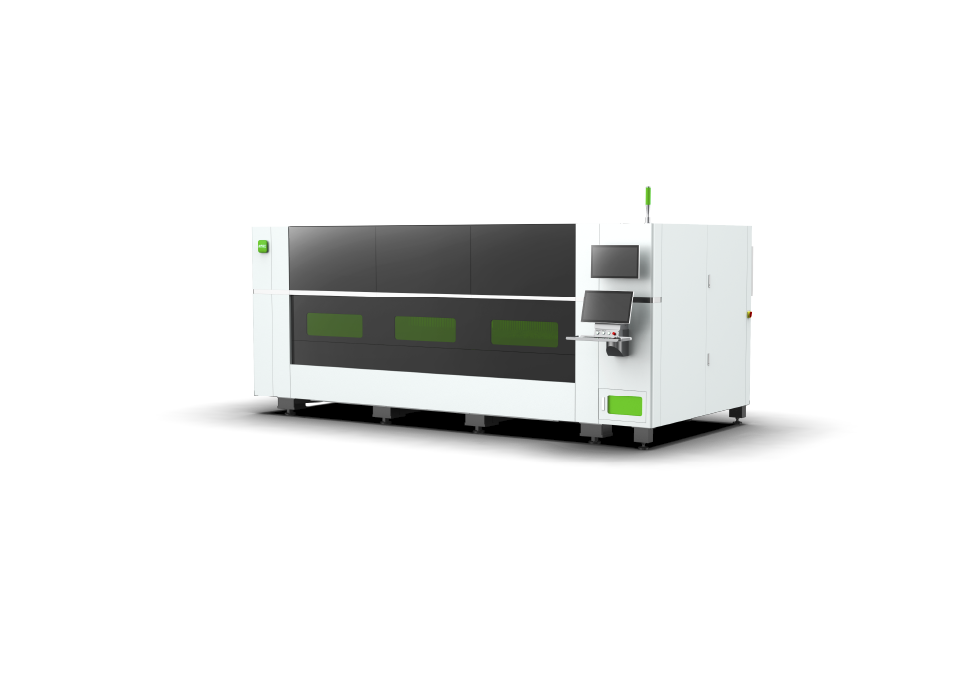
6-60kW
6-40kW
1.5-40kW
8-40kW
1.5-12kW
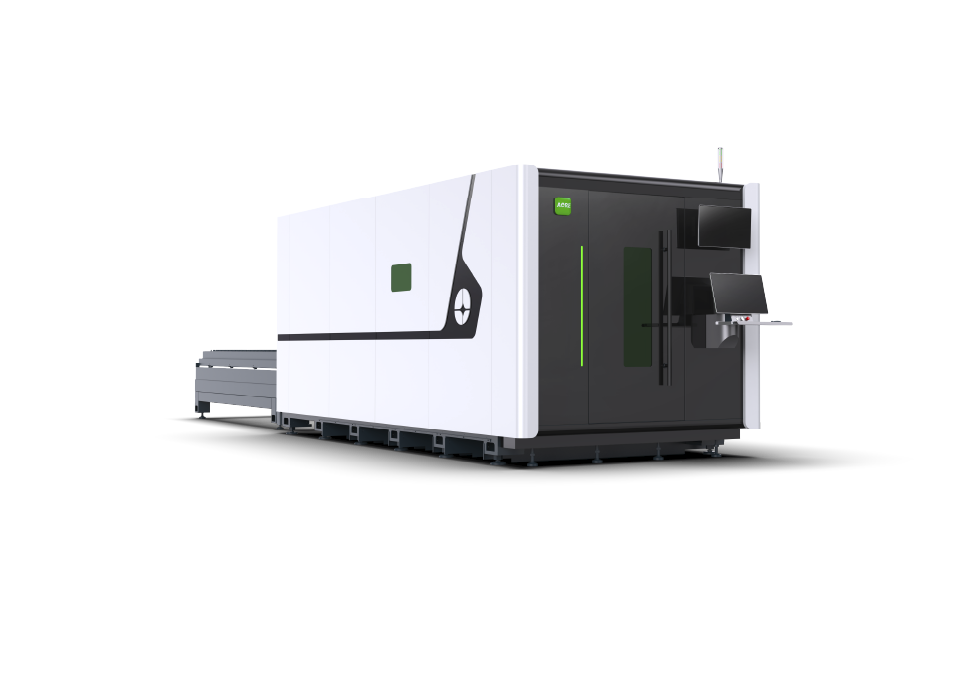
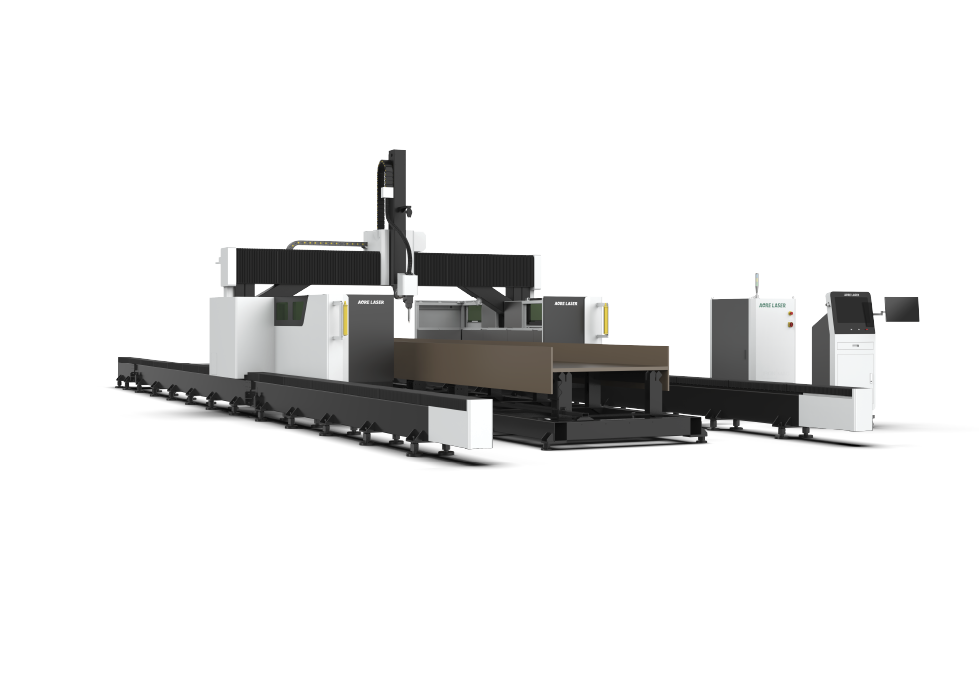
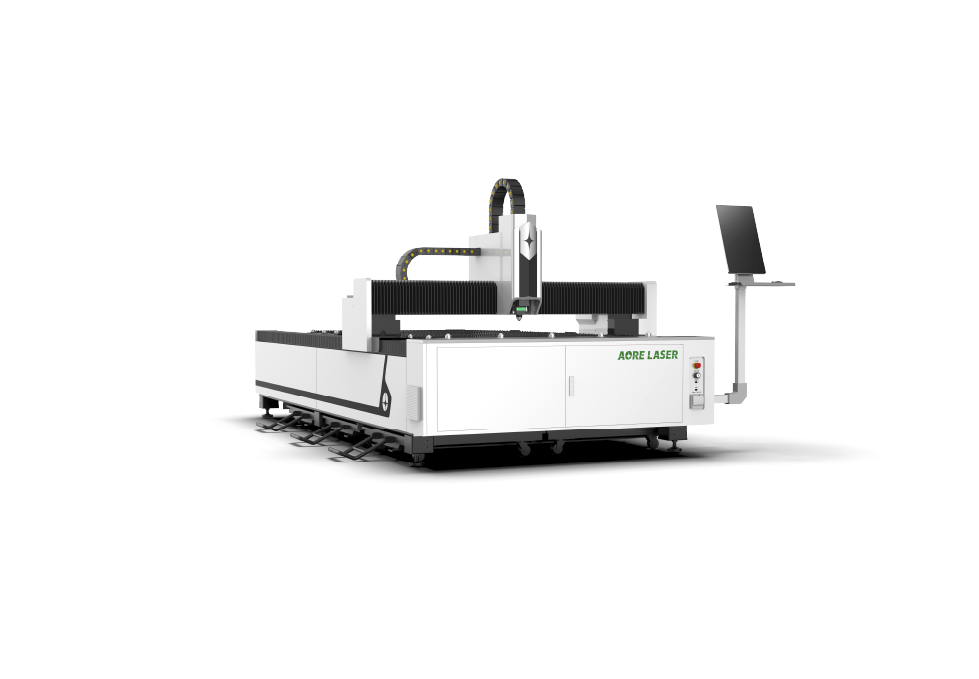
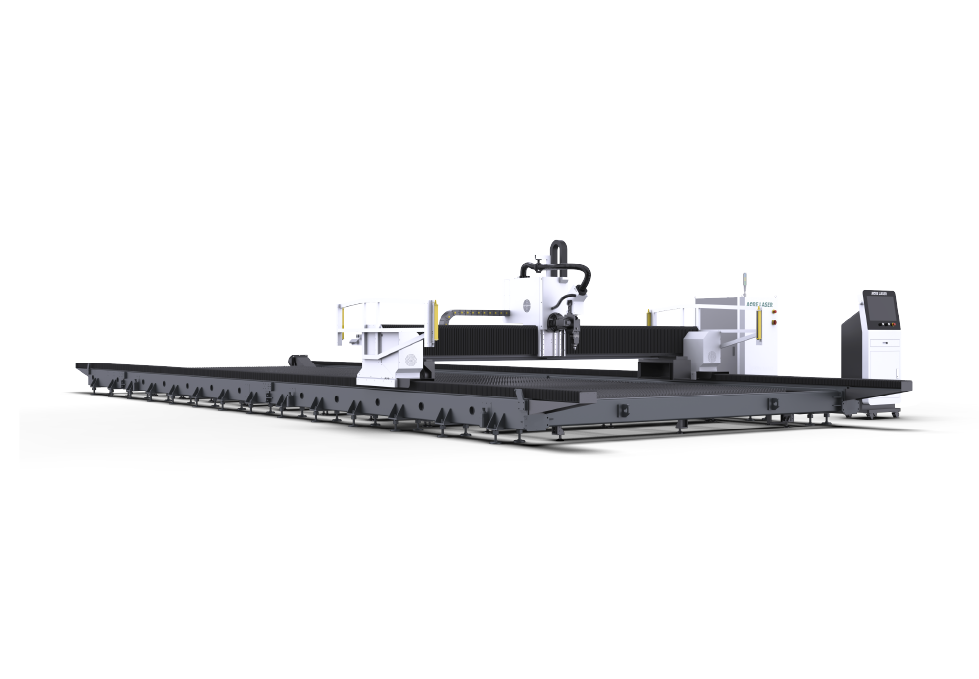
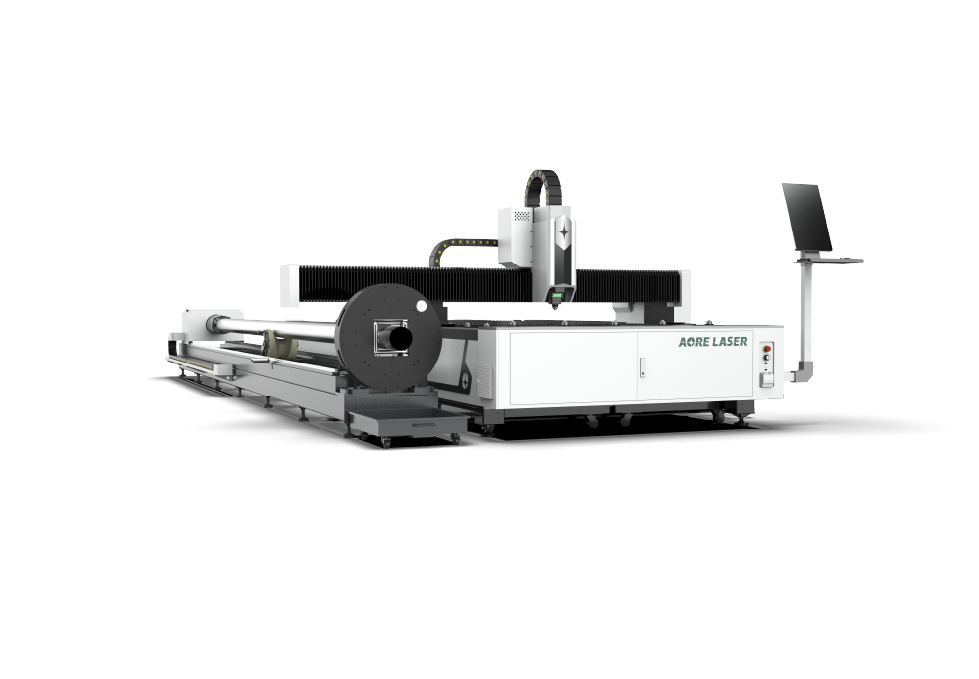
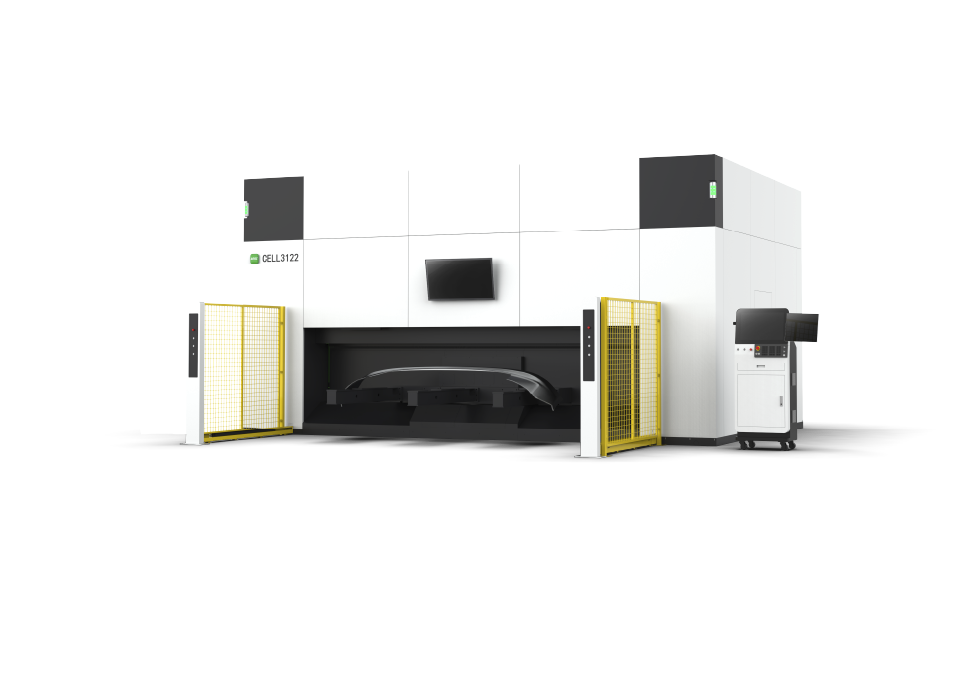
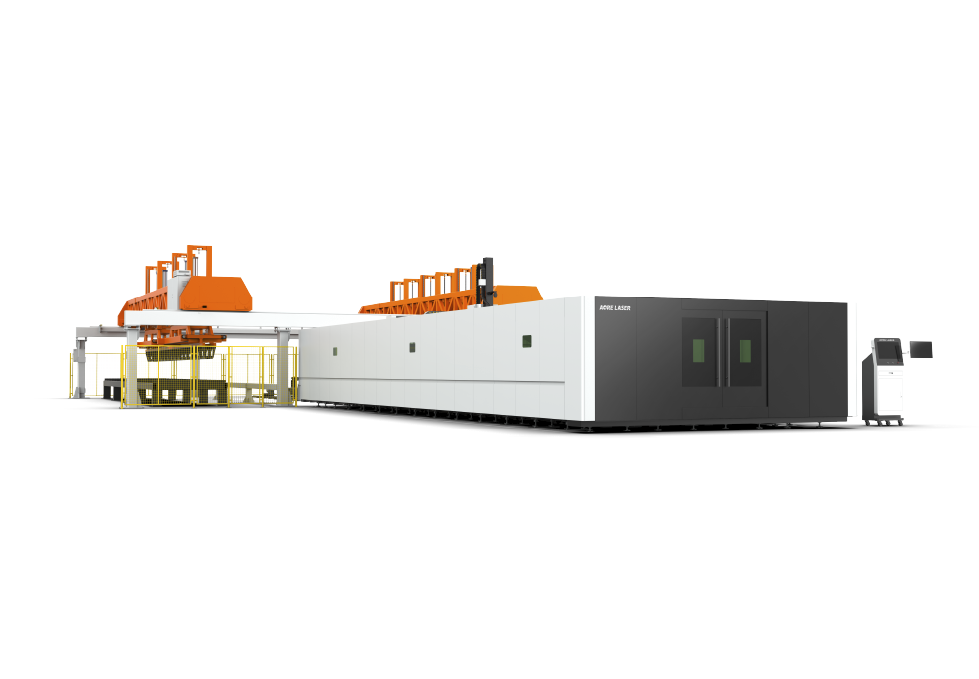
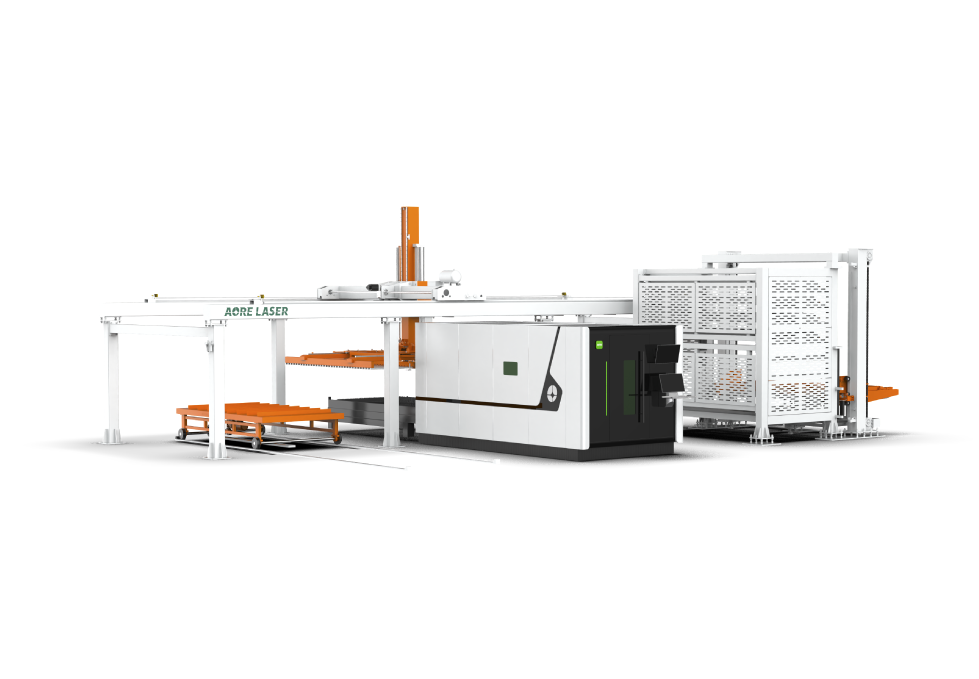
Fully-Protective High-Speed Sheet Laser Cutting Machine
All-In-One Fiber Laser Cutting Machine
Single platform plate laser cutting machine
Ground-rail Sheet Fiber Laser Cutting Machine
High-speed Sheet Fiber Laser Cutting Machine
High power sheet laser cutting machine
Full-protective Fiber Laser Bevel Cutting Machine
Precision sheet metal laser cutting machine
1.5-3kW
6-12KW
6-20kW
1-3KW
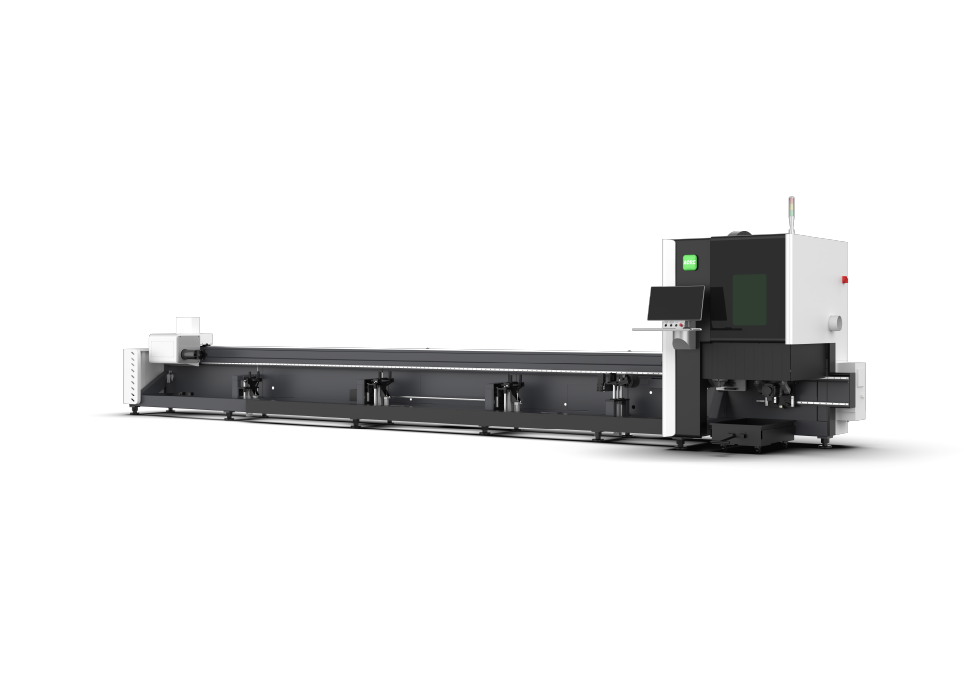
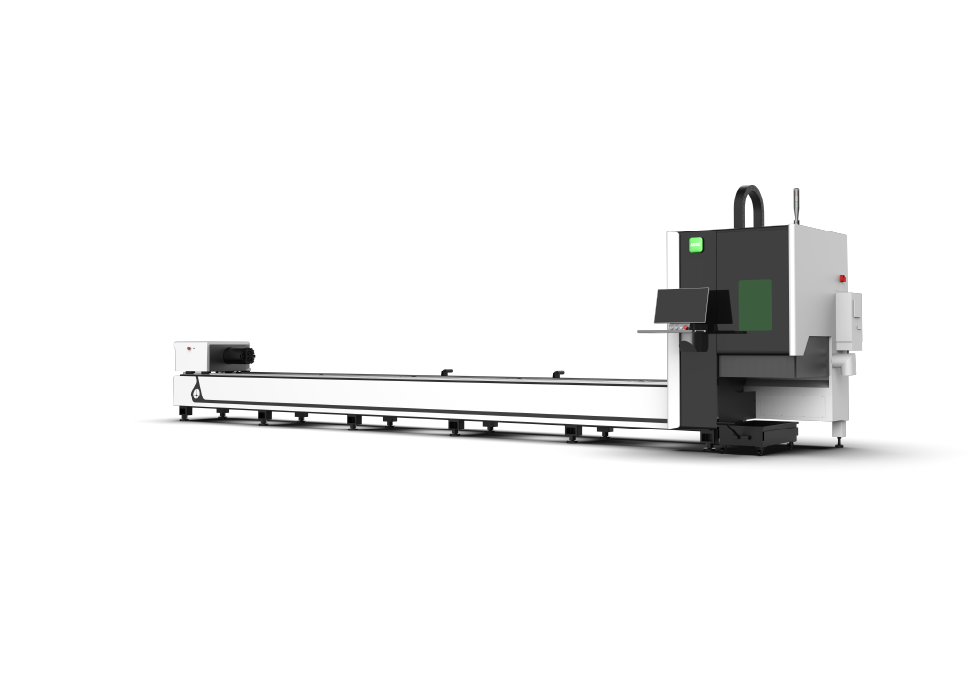
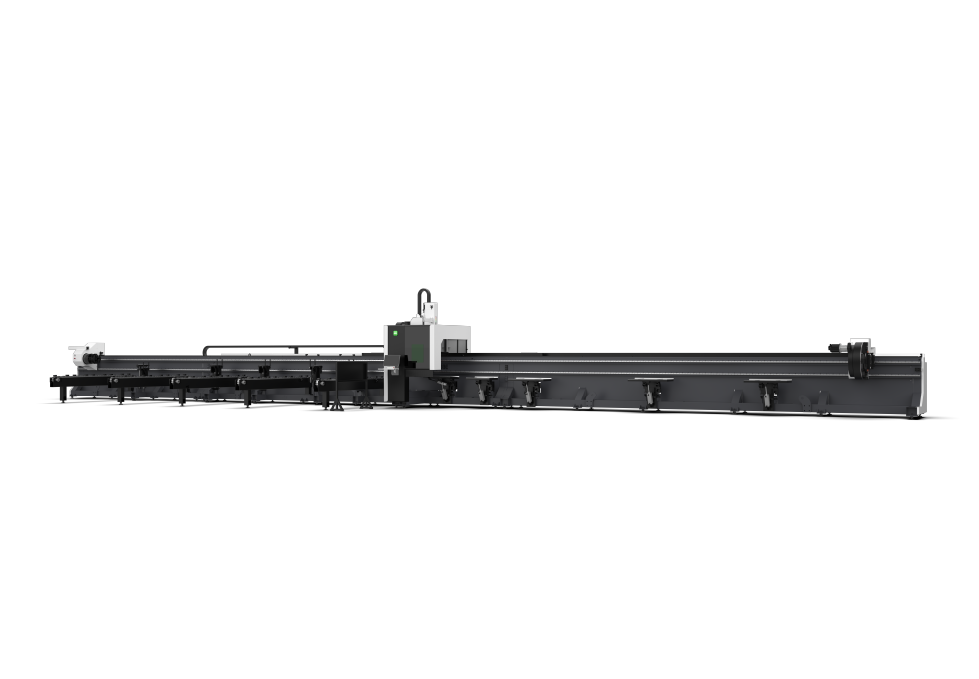
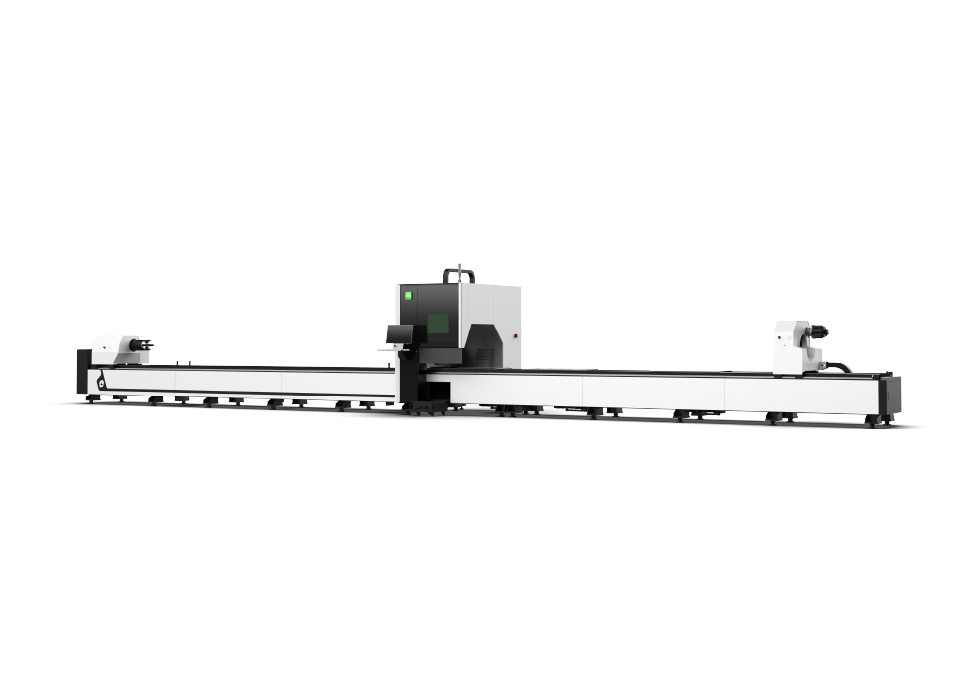
3D Beveling High-Speed Laser Tube Cutting Machine
High-speed Tube Laser Cutting Machine
Efficient Tube Fiber Laser Cutting Machine
Three-Chuck Heavy-Duty Tube Laser Cutting Machine
Three-chuck Tube Fiber Laser Cutting Machine
Four-Chuck Fully Floating Fiber Laser Tube Cutting Machine
High-speed Tube Fiber Laser Cutting Machine
Economical laser tube cutting machine
Double-platform Sheet and Tube Fiber Laser Cutting Machine
Efficient Sheet and Tube Fiber Laser Cutting Machine
3D Five-axis Fiber Laser Cutting Machine
1.5-6kW
Automated Profile Loading & Unloading System
Sheet Metal Warehouse Loader/Unloader
Automatic Sheet Metal Loading Device
Automatic Cantilever Sheet Metal Loading Device
Cantilever Sheet Metal Loading Device
Intelligent Sheet Metal Production Line
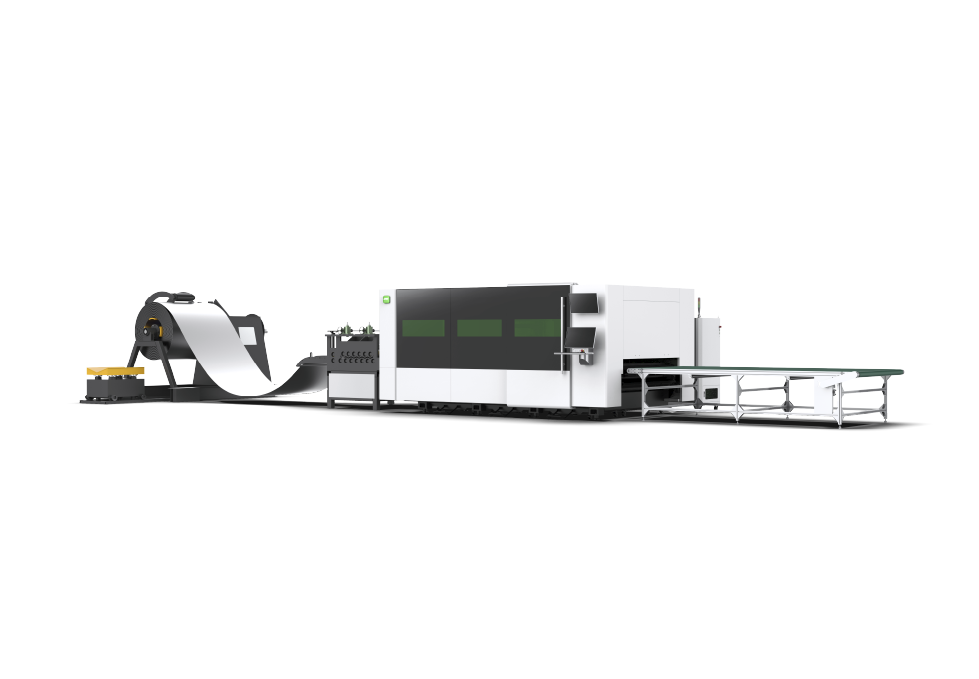
Coil Laser Cutting Production Line
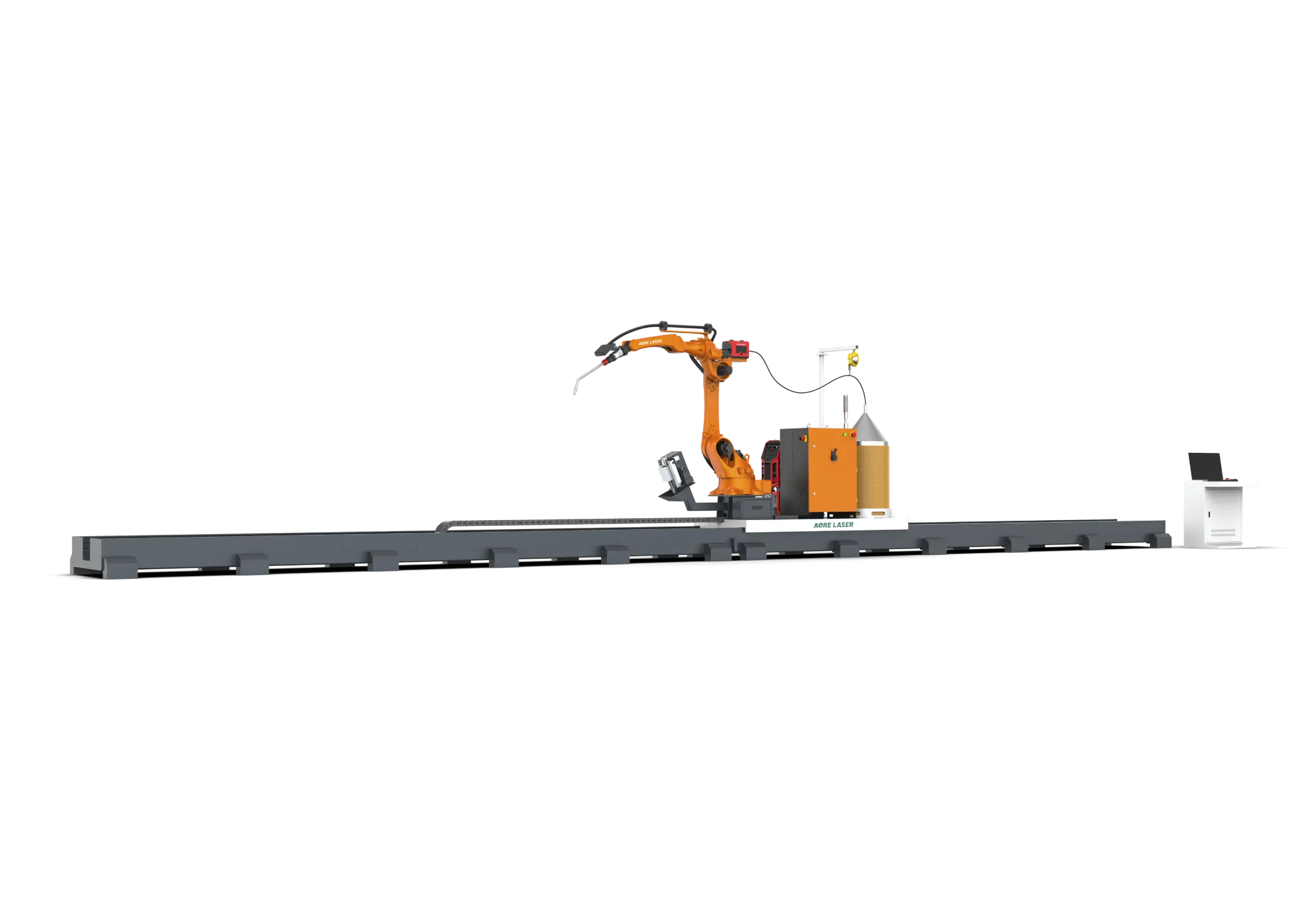
Intelligent Welding Workstation
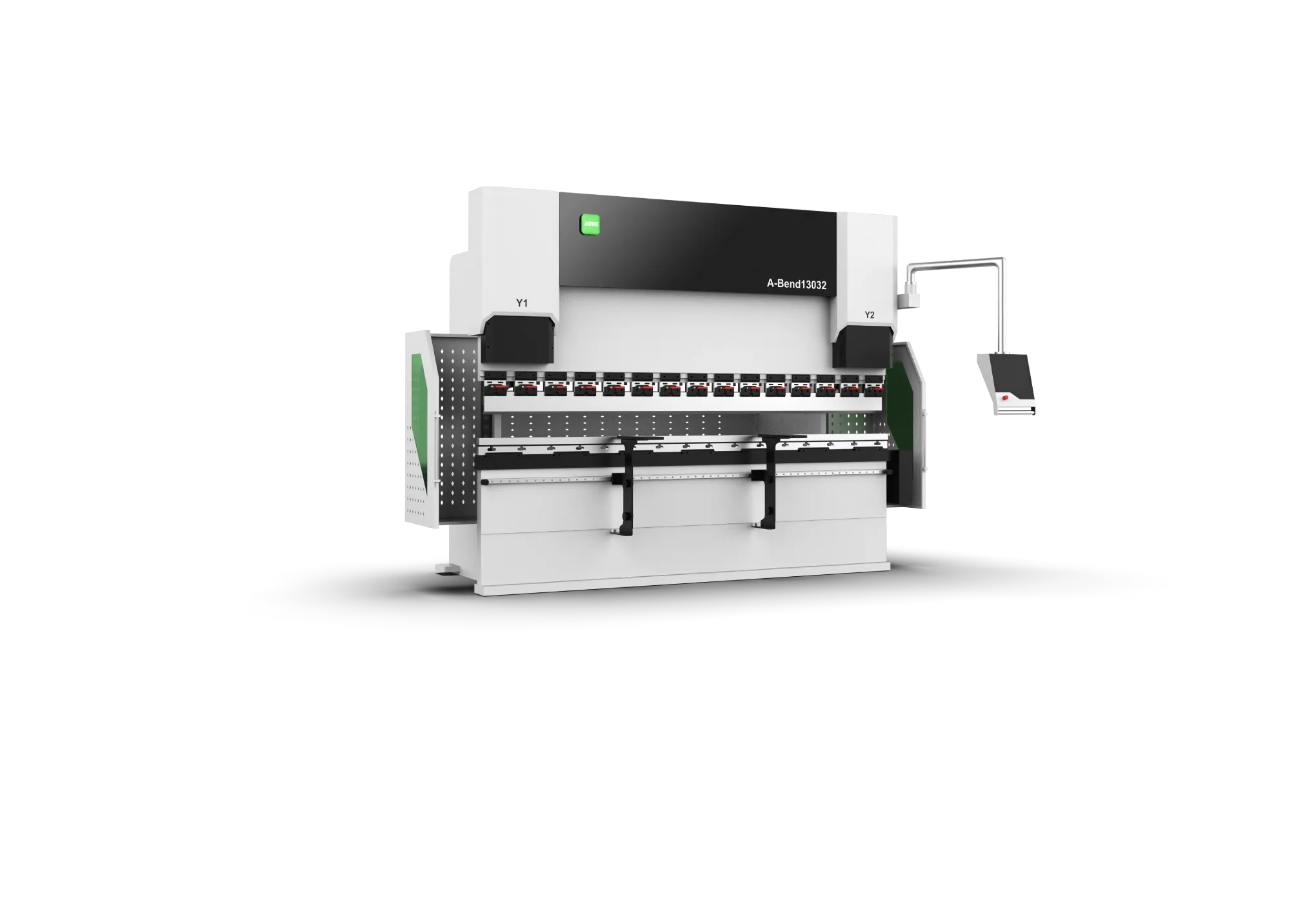
Electro-Hydraulic Servo Press Brake
3kW
Water-cooled Handheld Laser Welding Machine
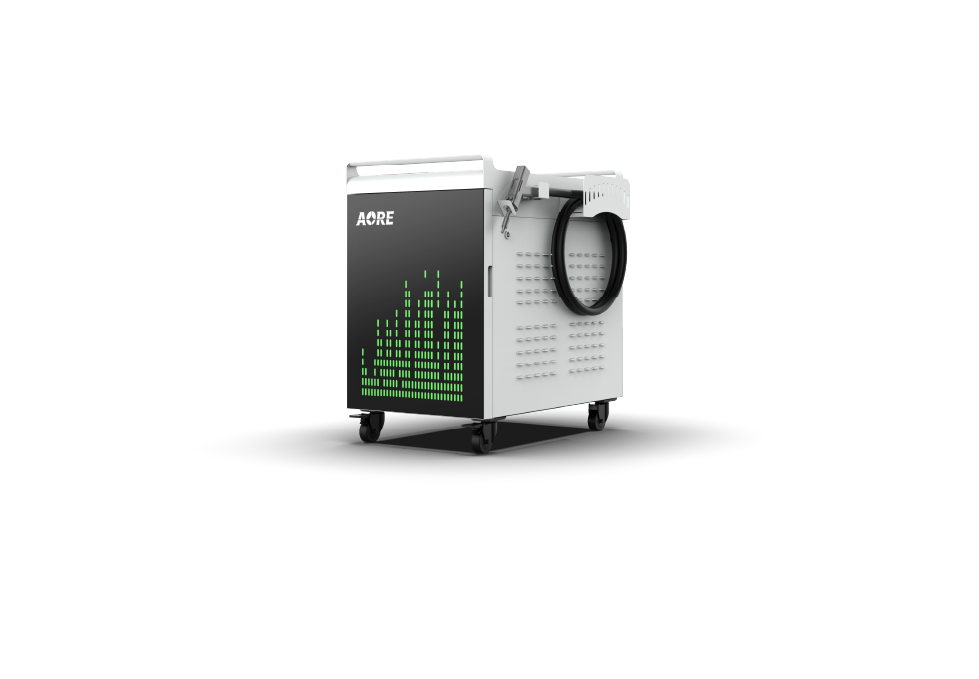
Water-cooled Handheld Laser Cleaning Machine
* Name
* E-mail
* Phone or WhatsApp
* Country
* City
Company
* Cutting Material
* Message
We often see examples where high-performance machines shut down due to minor issues like dirty lenses or dust-clogged fans—problems that could have been prevented. Most laser cutting failures don't occur for no reason; they result from neglecting maintenance. This article covers the importance of regular maintenance for cutting machines and provides practical, easy-to-follow maintenance tips. These practices will extend the lifespan of your laser cutting machine and ensure its long-term, efficient operation.
1. Performance Stability: Maintenance frequency significantly impacts a laser cutter's efficiency and performance. Well-maintained machines ensure high cutting precision. For example, daily lens cleaning preserves optical clarity, guaranteeing tidy, accurate laser beam cuts. Allowing debris to accumulate on lenses not only reduces laser penetration but can also cause particles to melt at high temperatures, forming stubborn stains that adhere to the lens surface and result in irreparable permanent damage.
2. Extended Machine Lifespan: Regular cleaning and calibration significantly extend the lifespan of laser equipment, far exceeding standard service life.
3. Safety: Routine maintenance helps identify and resolve potential issues before they become safety threats. It ensures your laser fiber cutter operates in a secure state, minimizing the risk of accidents or injuries.
4. Cost Savings: Regular maintenance helps identify issues before they escalate into major failures, saving money in the long run. Addressing minor problems early prevents catastrophic breakdowns that could lead to costly repairs or the need for replacement equipment. Just a few minutes daily—keeping optical systems clear, wiping down the laser workbench, and checking airflow—can save substantial repair costs and avoid production delays.
1. Machine Cleaning
Regularly cleaning both the interior and exterior surfaces is crucial for optimal performance. Use a soft brush or cloth to remove dust or debris, taking care not to scratch any surfaces. Promptly clear waste material and other clutter around the fiber laser cutter to prevent interference with normal operation.
2. Laser Lens and Mirror Protection
These components are critical for laser cutting. Dirty lenses distort the laser beam. Clean lenses using clean wipes and optical-grade solvents to prevent contamination. When using cleaning solutions, ensure they are free of debris, dust, or other contaminants. Never use dry wipes; they must be moistened with appropriate solvents. For softness, use 100% cotton wipes, cotton balls, lens paper, or cotton swabs.
3. Nozzle Inspection
Before use, always inspect the nozzle for deformation caused by material contact and ensure its cleanliness.
4. Guide Rail and Rack Cleaning
Guide rails and racks are critical moving components during machine operation. Contaminant ingress accelerates wear, shortens machine lifespan, and compromises cutting precision. Therefore, regularly clean and lubricate guide rails and racks. However, avoid over-lubrication, as excess grease attracts dust and forms deposits on shafts and rails.
5. Ensuring a Clean, Dust-Free Cutting Head
Dust on the cutting head exterior may enter the mirror chamber, potentially contaminating the lens and shortening the cutting head's lifespan. Therefore, perform daily cleaning to ensure the cutting head remains dust-free.
1. Check Laser Output: Laser output power changes over time. Therefore, it is important to maintain output power according to the manufacturer's specifications. It is also important to ensure the laser operates at the ideal power level. If the laser power is too high, it may damage the material being cut. Conversely, if the power is too low, it will not cut the material properly.
2. Check and Clean Air Filters: Air filters are primarily used to clean the air that cools the laser and the material being cut. A dirty air filter reduces cooling system efficiency, potentially leading to overheating. Cleaning the air filter helps maintain steel laser cutter performance and extends its lifespan.
3. Review Machine Logs: It is good practice to review records of completed projects from the past week. Examining these logs can help identify potential issues and resolve them before they worsen or recur.
4. Regularly Inspect the Laser Head
Periodically check the wear condition of the cutting nozzle. If significant wear is detected, replace it promptly. Verify the nozzle is securely positioned to prevent cutting head deviation, which could compromise sample yield rates and increase production costs.
1. Inspect Cooler and Water System: The cooler cools the laser, while the water system circulates coolant to the laser. Failure in either can cause overheating or severe laser damage. Check the cooler for leaks and verify coolant levels. Additionally, ensure the water pump operates normally, and regularly replace and clean the circulating cooling water.
2. Inspect the Exhaust System: The exhaust system of a steel laser cutter does more than simply vent waste gases; it directly impacts safety, airflow balance, and cutting consistency. If laser cutting performance degrades due to blockages or dirty filters, the cutting bed will fill with smoke and particulates. This not only affects visibility and beam quality but also increases the risk of exposure to harmful fumes.
3. Inspect Electrical Connections: Ensure all electrical connections are secure and reliable. Loose connections may cause malfunctions or fires. Thoroughly inspect all wiring, particularly power sources and control panels.
4. Update Software and Firmware Regularly: Check for software updates designed for your specific equipment. These updates are crucial for maintaining optimal performance and compatibility.
1. Environment: Ensure the fiber optic laser cutter is kept in a clean, dry environment.
2. Accessories: Use genuine parts and recommended cleaning supplies.
3. Avoid Harsh Chemicals: Do not use alcohol, acetone, or strong cleaners on sensitive components.
4. Maintain Machine Logs: Record dates, times, replaced parts, and all maintenance tasks or repairs. Retain these records to track the laser cutter's maintenance history and identify potential issues.
The above outlines maintenance techniques for steel laser cutting machines. By following the guidelines described in this article and performing regular cleaning, inspections, lubrication, and calibration, you can ensure your machine remains in optimal operating condition. Always adhere to the manufacturer's recommendations and consult qualified technicians when necessary. Do not wait for malfunctions to occur before considering repairs and maintenance. Your laser cutting machine represents a significant investment. Maintaining it properly protects your capital and ensures high-quality cuts every time. If you're seeking a laser cutting solution that's easier to maintain, more stable in operation, and backed by comprehensive after-sales support, we invite you to learn more about our equipment and technical support system. Combining robust performance, scientifically designed machinery, and standardized daily maintenance ensures consistently high-quality and efficient cutting results.
Aore Showcases High-Power Laser Solutions at MAKTEK Turkey 2025
AORE-FIMAQH Argentina 2025
Aorelaser uses "Essential Cookies" to ensure the operation of the website, while others help us improve your user experience. By clicking "Accept All", you agree to our use of all cookies. You can also change your cookie settings by going to your preferences. For more information about cookies, please see our Cookie Policy.(The data storage period is 7 days)
Essential cookies enable basic functionality and are necessary for the website to work properly.
Preference cookies allow websites to remember your choices (such as language preference) and provide a more personal experience.
Statistics cookies collect information anonymously. This information helps us understand how our visitors use our website.
Marketing cookies are used by third parties or publishers to display personalized advertisements. This is done by tracking visitors across websites.